kant
The math behind managing domain infrastructure eventually catches up with you. Between hosting, DNS setups, and content updates, I found myself responsible for a web of moving parts across multiple client sites. Every single one had elements that could break or drift without warning. I was fixing problems well, but I was always fixing them after someone else had already noticed a symptom. I needed a way to move from reactive troubleshooting to actually knowing what was happening in real-time.
The Client
In this case, the “client” I was trying to protect was actually myself. I was responsible for the infrastructure and performance behind dozens of domains, each with its own sprawling network of records, assets, and landing pages.
Manual checks simply don’t scale. A DNS record can change, an email policy can drift, or a client can drop a massive unoptimized image onto a page, and none of it shows up on a standard uptime dashboard. Usually, the first sign of trouble is an email from a client complaining about slow load times or missing emails. I needed a way to catch these problems before they became support tickets, across every domain I looked after, not just the ones I happened to be working on that week.
The Problem with Existing Tools
Off-the-shelf tools existed, but most only checked whether a site was technically “online” or if a DNS record looked correct on paper at a single point in time. None of them tested whether an email actually landed in a physical inbox, monitored Core Web Vitals historically over time, or crawled the deep layout flaws of a site like broken forms and sitemap gaps.
I decided to build the monitoring layer myself—sized for how freelance developers and small agencies actually work—and turn it into a side project once it proved its worth in my own workflow.
What I Built
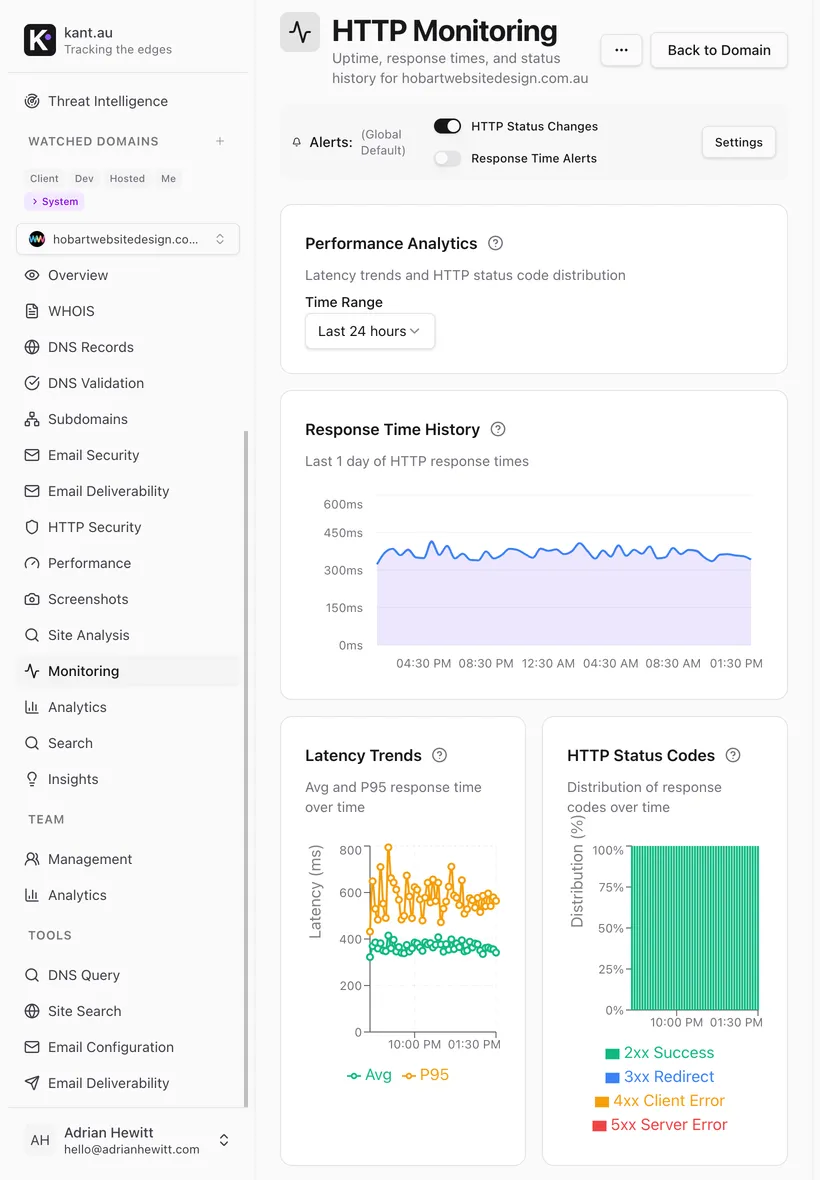
Continuous monitoring instead of point-in-time checks
The core of kant.au tracks DNS records, SSL certificates, and email security headers on a schedule, not just when you first set them up.
- Every change to an A, CNAME, MX, or TXT record is logged with a full audit trail so you can see exactly what changed and when.
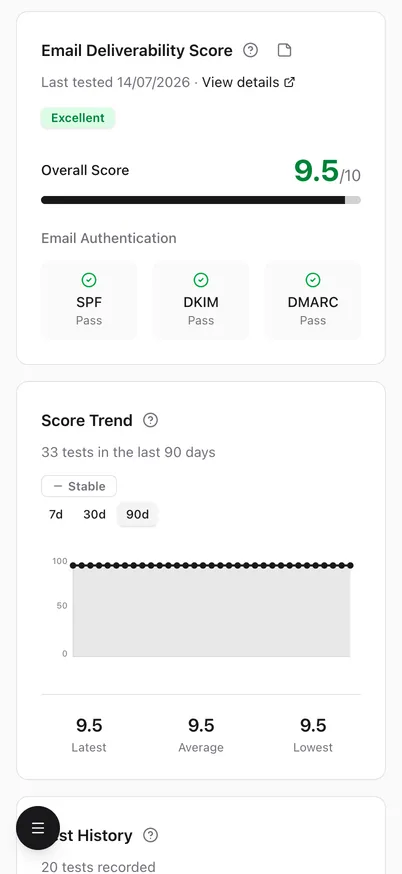
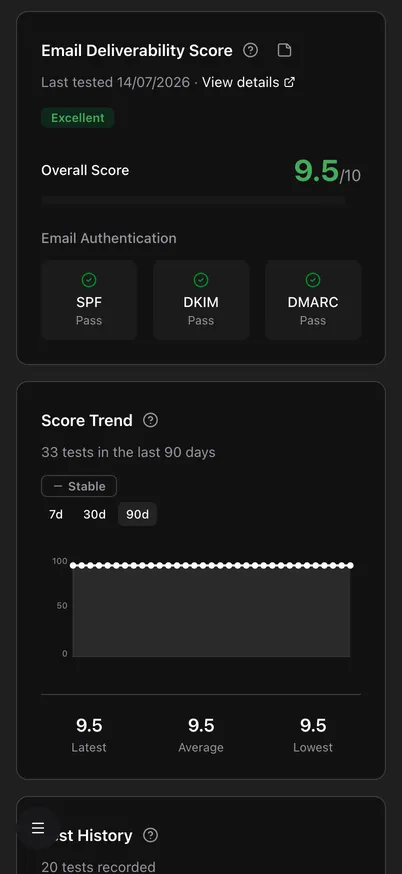
- It tracks actual email deliverability trends over time by testing real inbox delivery, rather than just verifying if your SPF/DKIM records exist on paper.
- Certificates and WHOIS details are tracked so expiry dates never sneak up on you.
Automated performance tracking & historical Lighthouse trends
A site rarely slows down all at once; it happens gradually as content changes. Kant tracks these performance shifts so you can pinpoint the exact day a metric dropped.
- It automatically runs Google Lighthouse audits on a schedule to map Performance, Accessibility, Best Practices, and SEO trends.
- It monitors Core Web Vitals (like LCP and CLS) and speed metrics historically, drawing a clear timeline of page health.
- It auto-detects key sample pages (like homepages, contact pages, and categories) to profile performance across the entire site structure.
Deep site health & automated page analysis
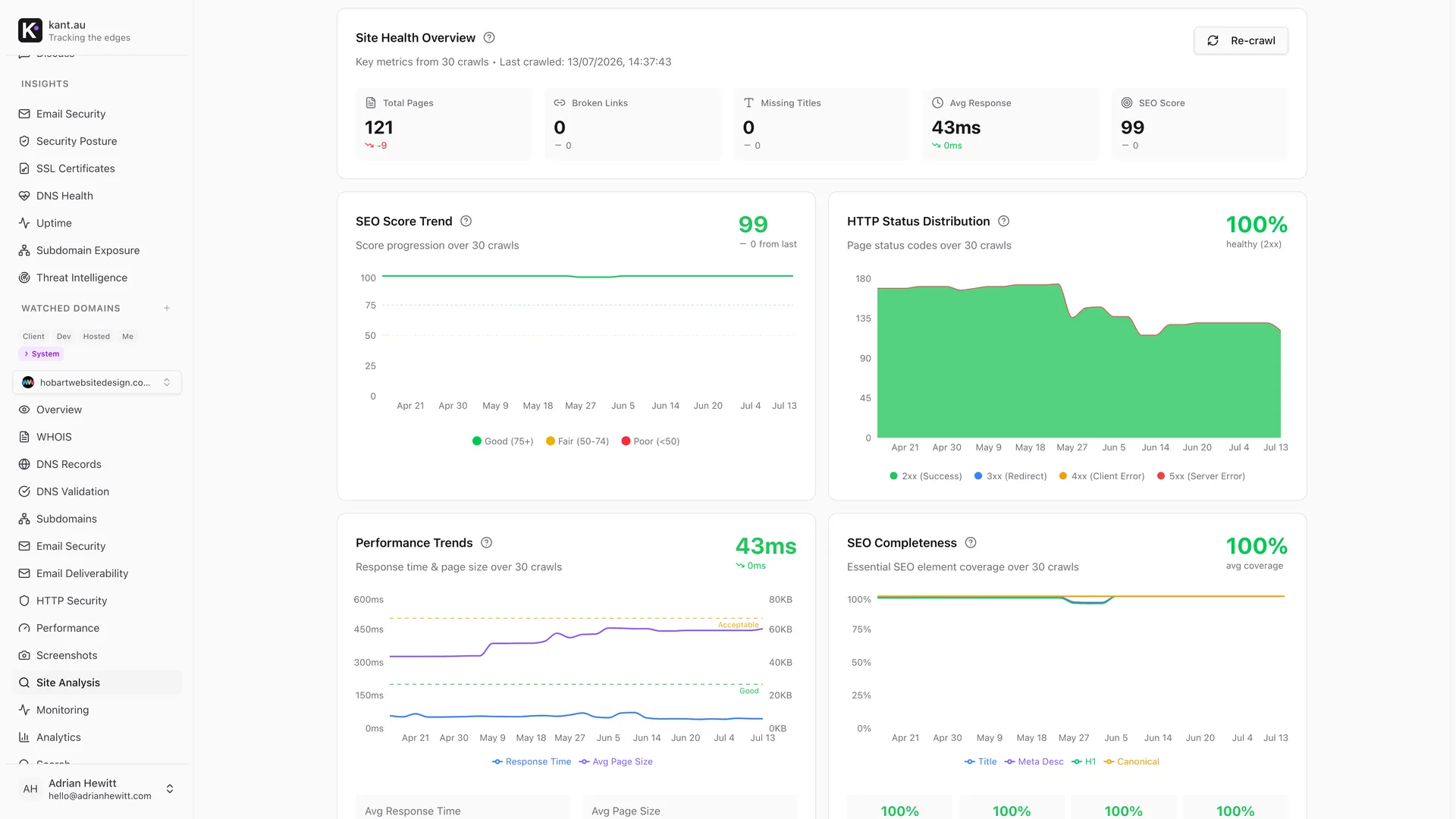
This goes beyond uptime by crawling the actual structure of the site to flag hidden issues that creep in during routine client content updates.
- Sitemap Coverage: Compares your sitemap against actually crawled pages to ensure Google is indexing everything correctly.
- Asset & Content Audits: Flags resource-heavy pages loading bloated CSS/JS, identifies missing alt text, and tracks content freshness.
- UX & Interaction Safety: Checks form accessibility, highlighting broken layouts like missing labels or absent submit buttons before users get stuck.
To make it fit perfectly into my day-to-day workflow, I built instant alerts for score drops or new broken links directly into Slack, Discord, and webhooks. I also structured the pricing around domain count rather than per-user seats, because that’s how developers actually scale their portfolios.
The Result
kant.au is brand new, so I’m not going to inflate the numbers or pretend it’s a massive corporate operation. But the daily anxiety of wondering if a client site is quietly degrading is gone. Now, if a site performance score drops, an image asset breaks, or an email check fails, I find out from my own Slack alerts—not from a confused client.
It’s live as a side project at kant.au, with plans ranging from $12 to $149 a month depending on how many domains you need to watch, and I use it to keep an eye on my entire portfolio every single day.